
Gemini Nano Banana 2 Tutorial: Beginner to Advanced
Master Gemini Nano Banana 2 image generation with this tutorial. Learn to write prompts, generate images, and edit photos for social media.

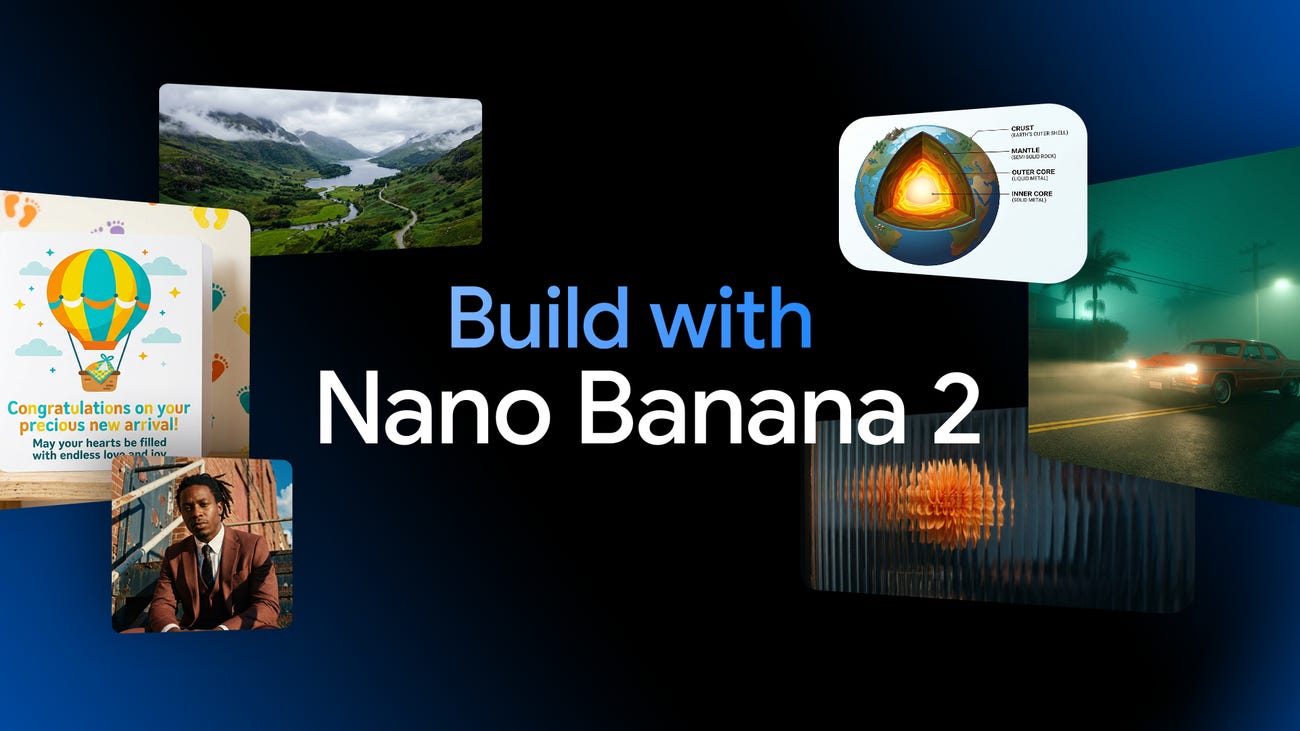
Gemini Nano Banana 2 is Google’s latest AI image generation model. It combines the speed of Gemini Flash with the advanced features of Nano Banana Pro, enabling fast generation of high-quality images and precise editing. This tutorial will guide you step by step on how to get started, including real-world examples and image illustrations to help you master it quickly.
Accessing the Gemini App
First, open the Gemini app (available on mobile or web). In Gemini, Nano Banana 2 is the default image generation tool. You can click the banana emoji (🍌) to launch image generation mode, or simply describe what you want directly in your prompt.
